
Getting started on Yana is easy. A recap to what Yana does — Yana provides financing and financial management for small businesses — think everything you need to organize, understand and access finance for your business.
Now, let’s get you started on creating an account on Yana.
The best way to enjoy Yana is on a computer; desktop or personal comouter.
You’ll need to be connected to the internet to access Yana.
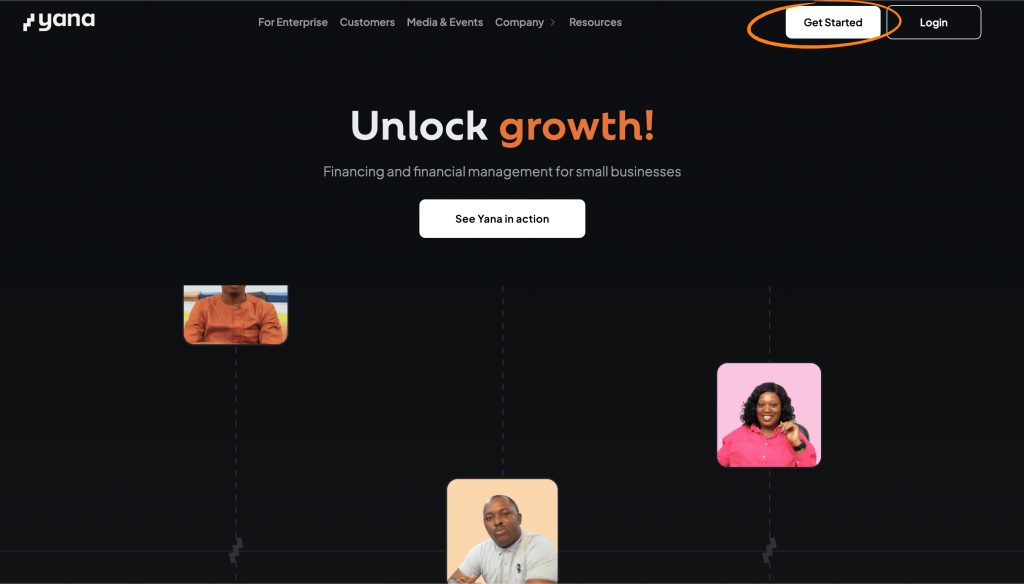
Go to https://yana.finance/ and click on the ‘Get started’ button.
You will be redirected to a sign up page where you will set up your password and provide your email address and phone number.
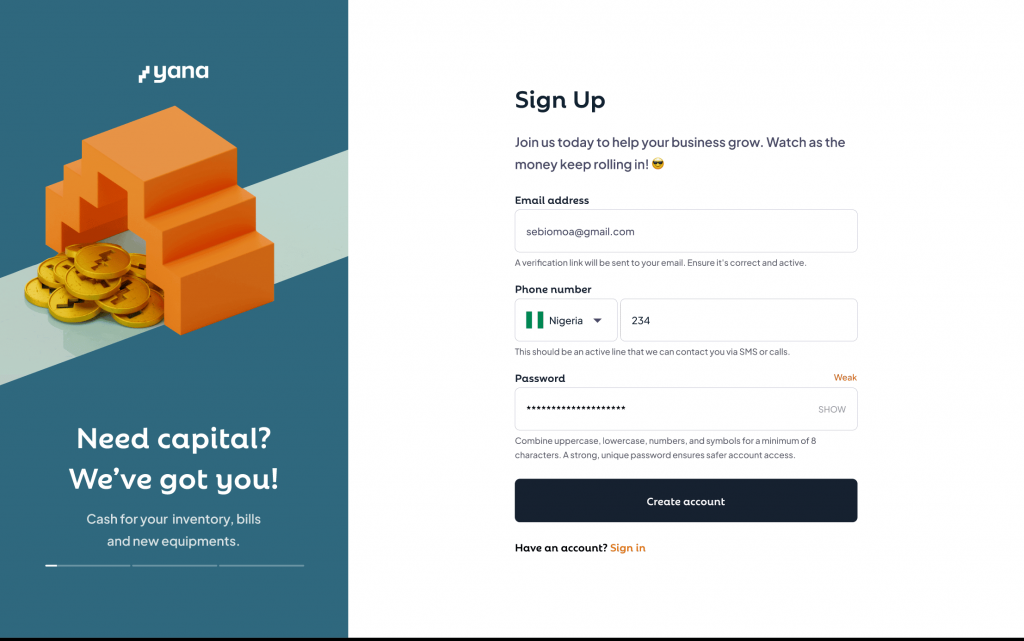
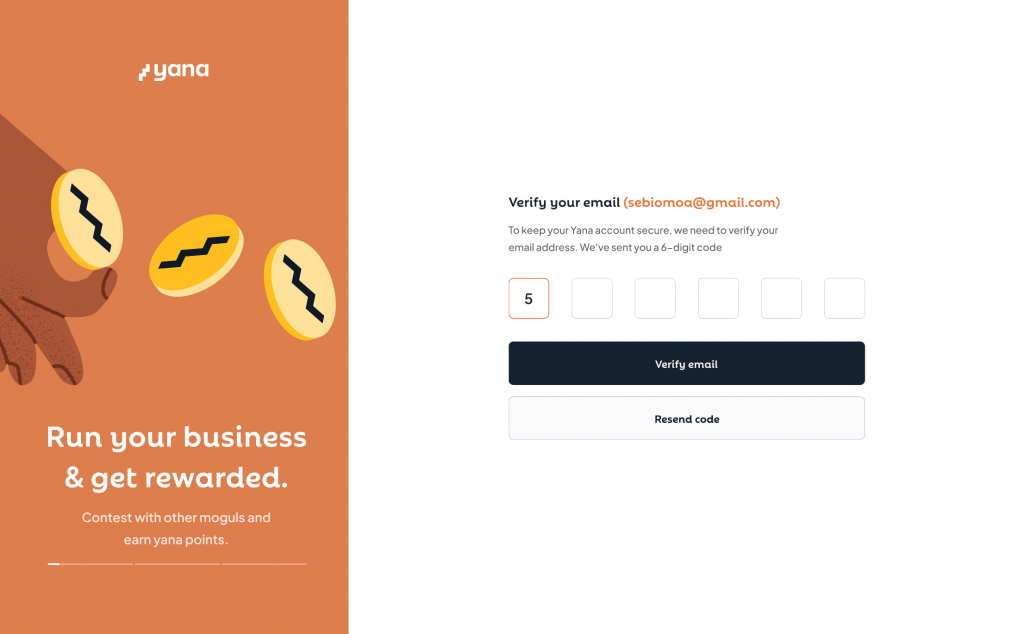
Click ‘create account’, a 6-digit code will be sent to your email to enable you verify your account.
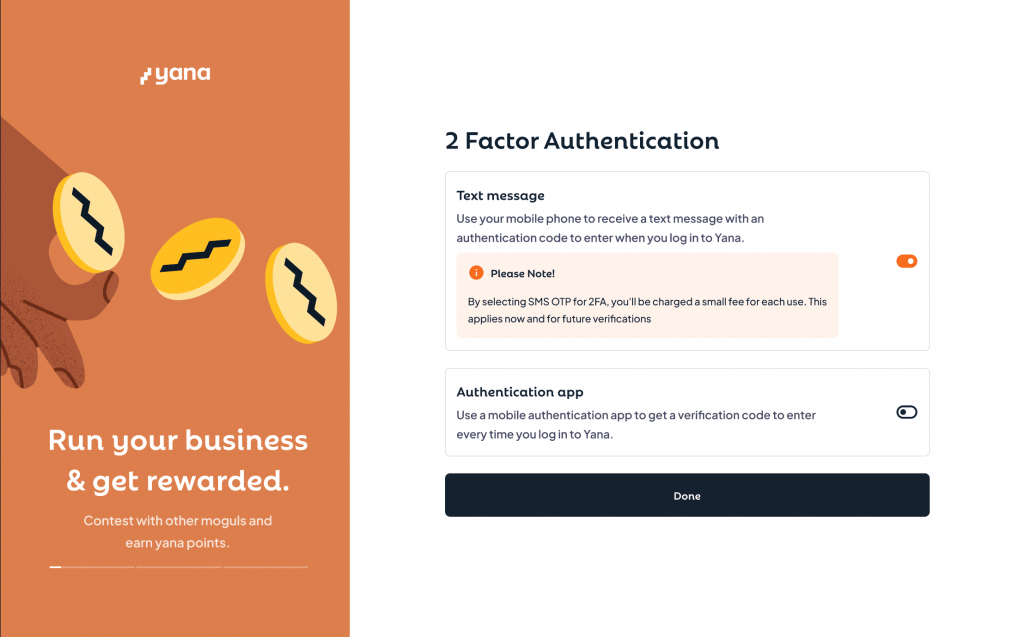
For extra security, you will be prompted at this point to set up your 2FA using a third party authenticator of your choice such as google authenticator or sms. SMS would incure carrier charges. If you skip this, your email will continue to serve as your second authentication point.
To start your account set up, you would need to take an eligibility test .
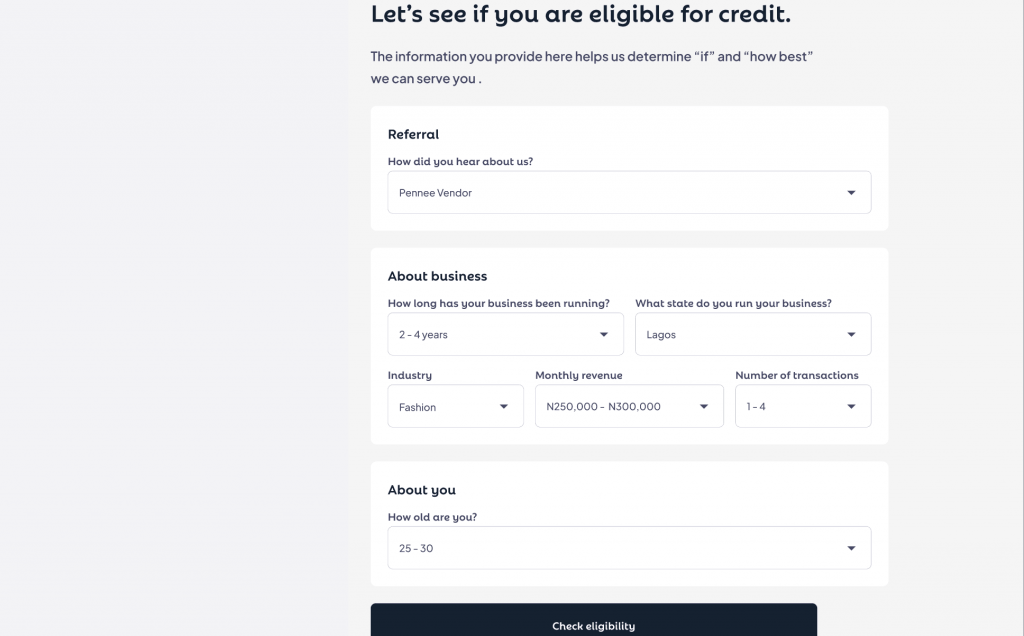
If you are eligible for a cash account or cash and credit account, you’d be prompted to provide more information about the business. If you or your business is too young or not in a location we serve at the time, you might not be eligible for any of our services.
Here is a list of information you’d provide while setting up your account:
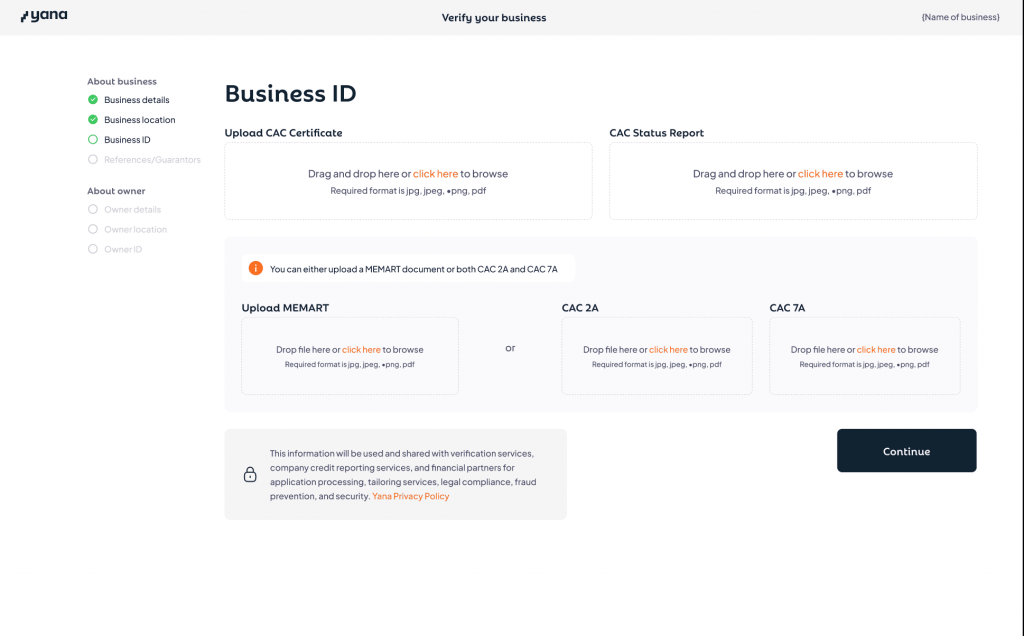
– Business incorporation details like the business registration number and TIN and including all CAC documents such as Status of report, Memart/CAC 2a and 7a and Certificate of incorporation/business name
– Business operational address and a supporting document. This is any formal document that has the name of the business or owner and the stated address e.g bank statements, rent agreements or utility bill for electricity, cable, water or waste management not older than 3 months.
– Owners information. We’d need the details of anyone that owns atleast 5% of the business. Details like their name, date of birth and phone number. You’d also need to verify their identity with a BVN, identity number and and coresponding identity document.
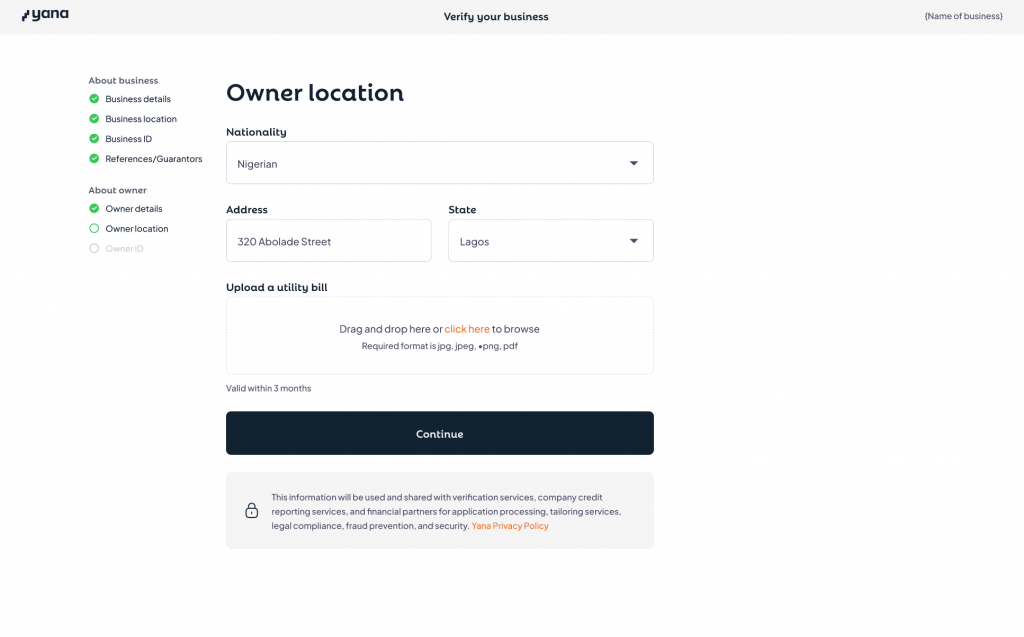
– Owners residential address. Just like the operational address of the business, this is any formal document that has the name of the owner and the stated address e.g bank statements, rent agreements or utility bill for electricity, cable, water or waste management not older than 3 months.
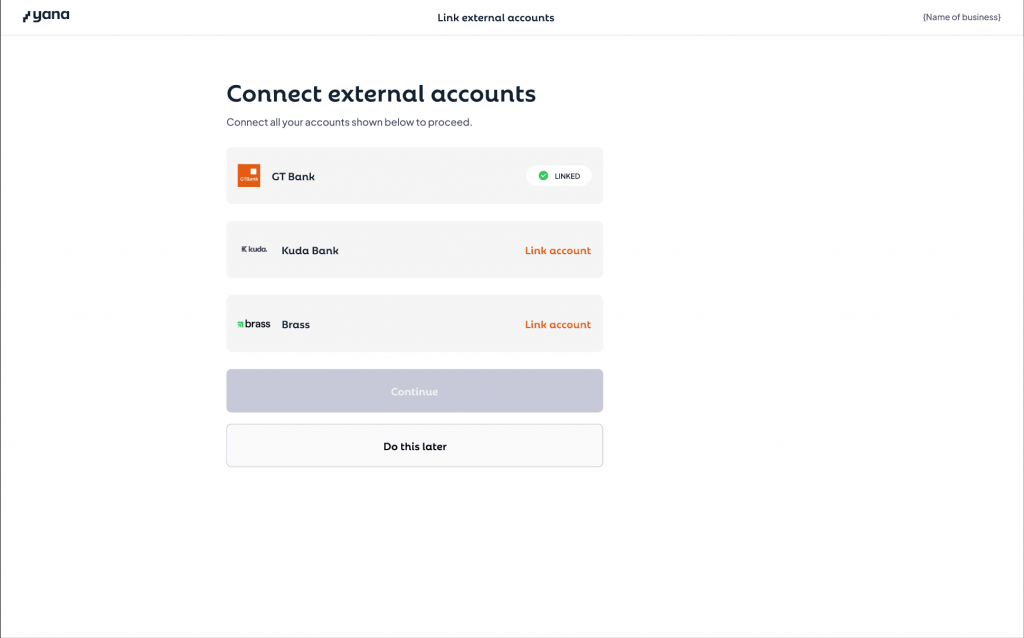
After that, you’d have the option to link your other bank accounts. This is crucial, if you’d like to operate a credit account or enjoy the cash flow management features fully. You can skip this process and continue this at a later time.
Next, you’d do a liveliness check to confirm that you are a real person.
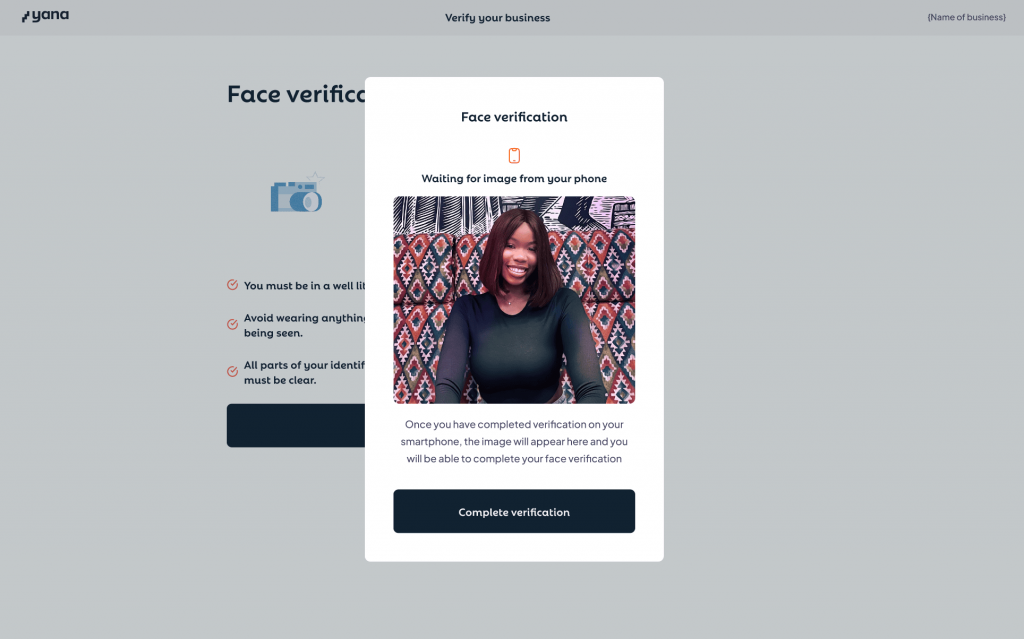
Once all these are completed, you’d finish off by requesting a verification when you pay for your legal search.
P.S: you can send us an email to request a discount on your legal search (terms and conditions applied)
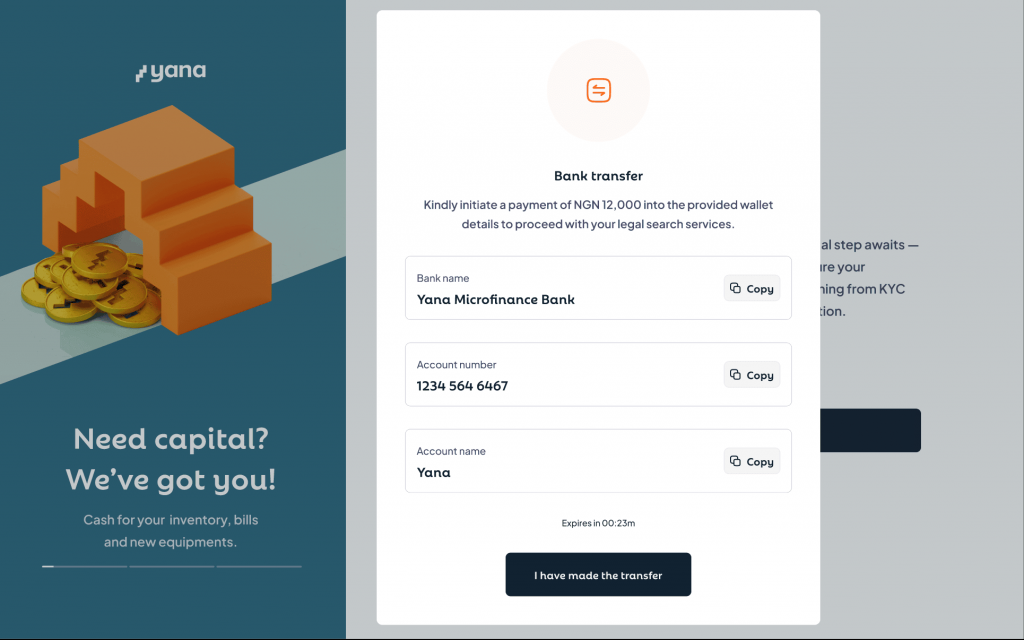
Verifying your details can take up to 48 hours, we’d reach out to you via email if there are any concerns or if we need any extra documentation.
Once we can verify all information provided, you’d get your account approved and open.
Congratulations!
If you have any questions or concerns, reach out to us at swift@yana.finance.